Tips, tricks, and things to use it for
The page is deliberately plain, which hides how many small things it does. Here they all are, plus a list of jobs people use it for that nobody planned.
Which way should I send it?
Tap QR on one device and point the other phone's camera at it. The link that pops up opens Notegirl already connected.
Read them out, or text them. Any distance, any network. Either side can type them into the TO box.
Pick as many as you like; they arrive at full size. The other side presses Save on each, or Save all at the bottom to get them as one zip.
Paste it in. Shift+Enter sends; Enter makes a new line. The other side gets a Copy button, and any web address in it is a link.
The small things that are there
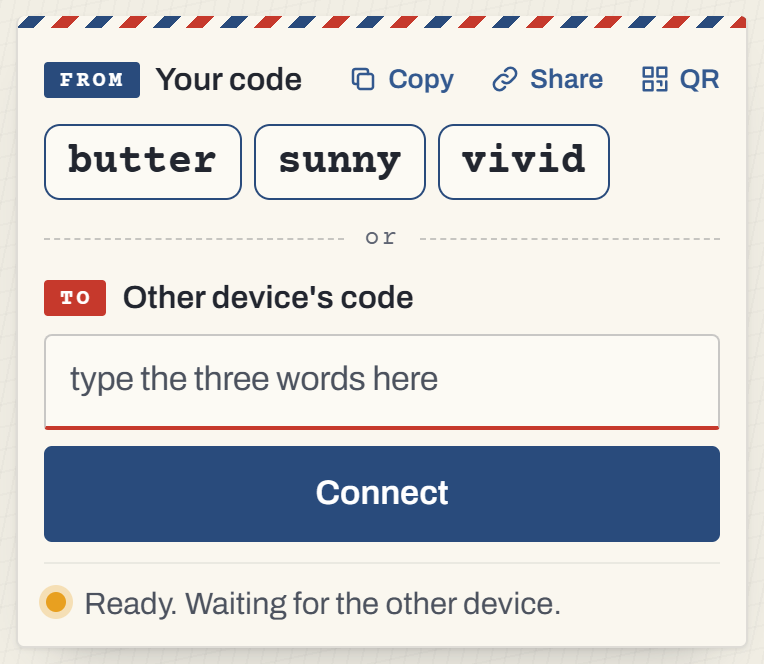
Share sends a link. The Share button next to your code hands out a link that opens Notegirl already connected to you. Text it to someone and they are in, no words to type.
QR for the same room. Tap QR and the other phone's camera opens the same link. This is the fastest way between two phones.
A mistyped word is forgiven. Every word in the list is unlike every other one, so "lemmon" still finds "lemon".
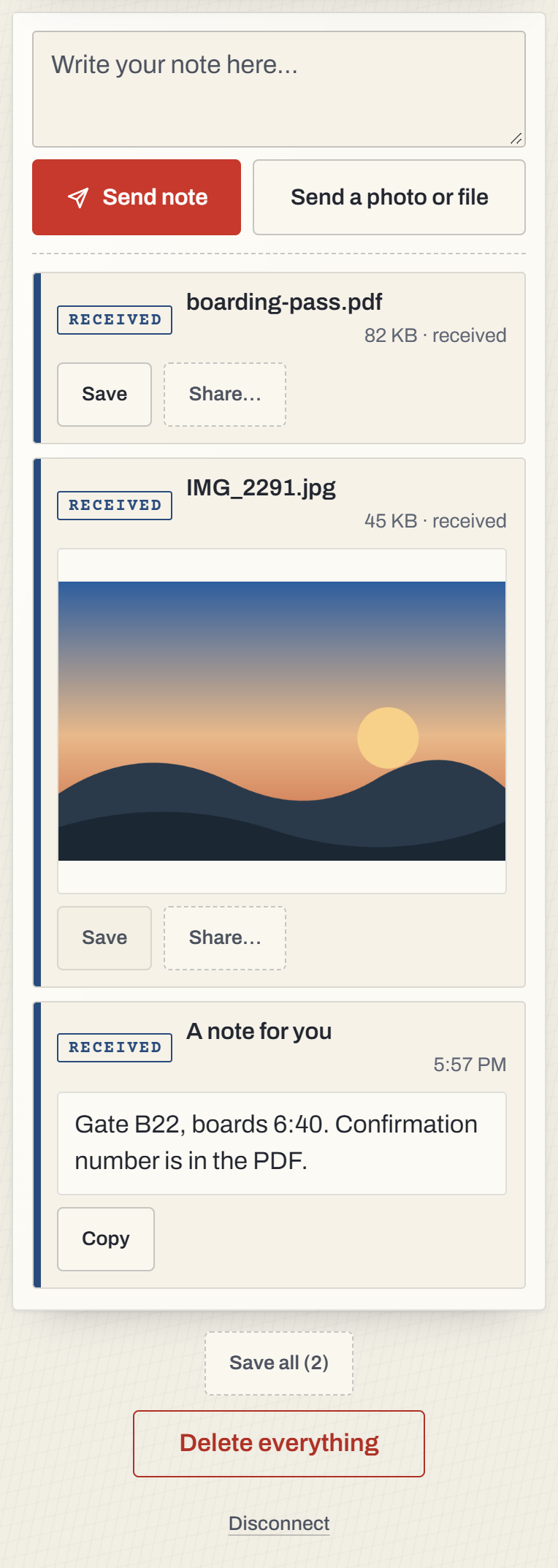
Shift+Enter sends a note. Enter makes a new line, the way a note box should. Ctrl+Enter and Cmd+Enter send too.
Links are links. Any web address in a note is tappable on the other side. Every note has a Copy button.
Save turns a touch gray once you have used it, so you can see which ones you have done. Save all appears at the bottom once there are two or more files and gets them as one zip.
Paste anything, anywhere. On a computer, paste a screenshot or a file onto the page and it sends. Dropping files onto the page works too.
The tab tells you. When something arrives while you are in another tab, the title shows a count, like "(2) Notegirl".
Your screen stays awake while connected, on phones that allow it, so a long video doesn't die to the lock screen.
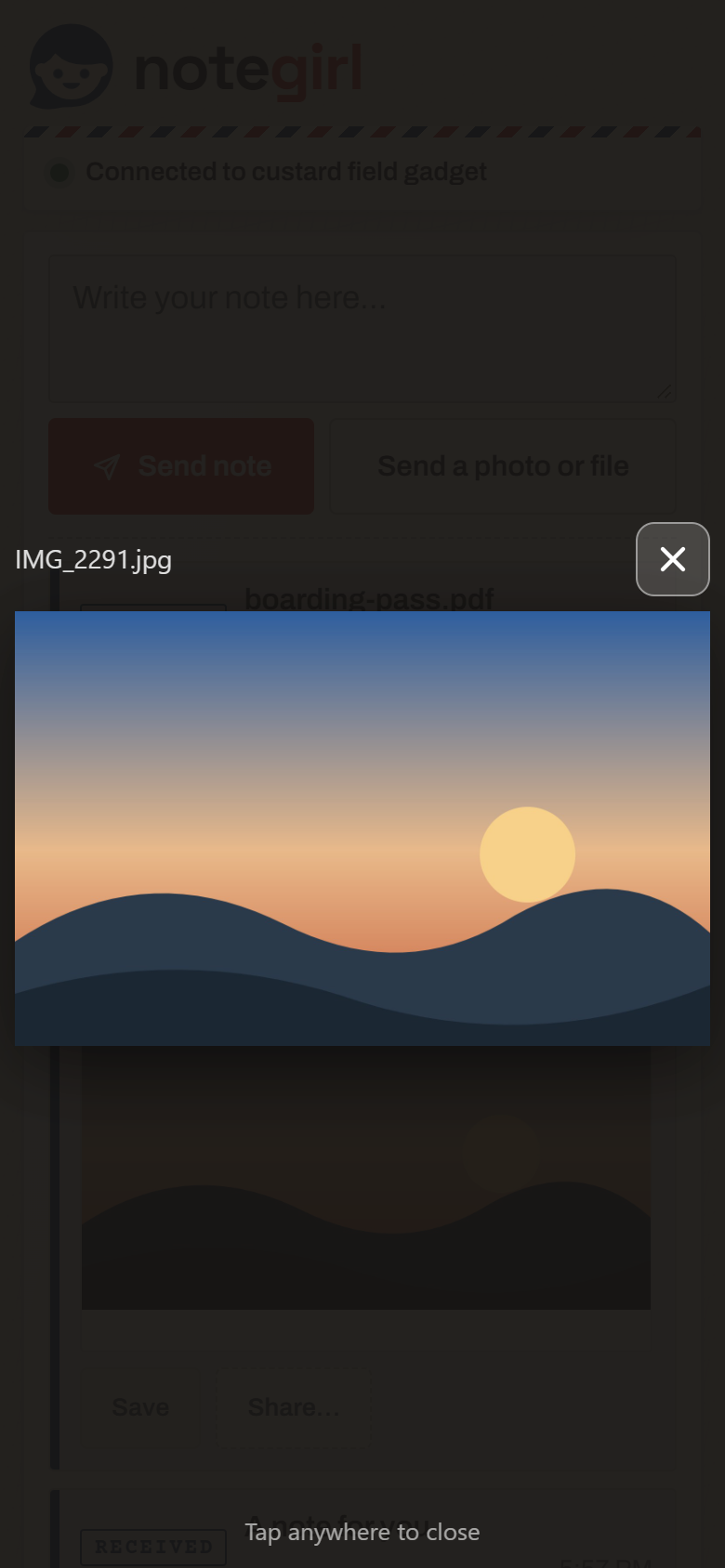
Tap a photo to see it big. Pinch to zoom on a phone. Back closes the viewer without leaving the page, which also means it keeps the connection.
Delete everything wants a second tap within three seconds, then clears both screens at once, yours and theirs.
If a screen locks mid-transfer, the link reconnects itself and the photo finishes. You will see "reconnecting", then "sent".
Keep it handy. After the first thing arrives, a one-time hint shows how to put Notegirl on your home screen; it then opens full screen like an app.
Things people use it for
Between your own devices
- The two-factor code that arrived on your phone, needed on the laptop. Send, copy, done, gone.
- A screenshot from the phone to the computer for a bug report or a reply.
- A link from the laptop to the phone to read on the couch, or the other way.
- A voice memo or a video from the phone to the computer to edit.
- A PDF from the work laptop to your own phone without emailing it through the company server.
- Fonts, exports and odd files between a desk computer and a laptop that don't share a cloud.
- A photo from the phone to the kitchen tablet, or to the browser on the TV.
Out in the world
- The boarding pass to the hotel's printer PC without signing in to anything there.
- A document to a library or classroom computer that blocks USB sticks.
- A photo to a kiosk or a game console's browser, which has no other way in.
- A map link to someone's phone instead of spelling an address out loud.
With other people
- Full-size photos from a friend's phone after an event, without a group chat shrinking them.
- The Wi-Fi password to a guest's laptop, then Delete everything.
- Files with a client or a contractor without creating accounts on either side.
- A photo from a stranger's phone, when you met ten minutes ago and would rather not exchange numbers.
- A note from a presenter's laptop to everyone's phones, one at a time, by reading three words to the room.
Limits worth knowing
Files up to 2 GB on a computer. A phone can only hold so much at once, so the receiving side caps at 500 MB on an iPhone or iPad and 800 MB on Android, and tells the sender plainly if something is too big.
Both tabs need to be open while something is sending. Phones pause background tabs; the link heals when they come back, but it finishes faster if it doesn't have to.
Notes up to about 200,000 characters, which is a short novel.
One connection at a time. A code is a line between two devices. A third device gets "already connected to someone else".
No history, by design. There is no account, so there is nothing to look back through. Save what you want to keep.
Questions
What is the fastest way to connect two phones in the same room?
Tap QR on one and point the other phone's camera at it. The link that pops up opens Notegirl already connected.
How do I send several files at once?
Pick them all in the file picker, or drop them on the page together. On the other side, Save all gets them as one zip.
Does it work on a TV or a game console?
If it has a web browser, yes. Open notegirl.com on it and type its three words into your phone.
More
- Send photos from your iPhone to a Windows PC
- Send photos from an Android phone to a Mac
- Get a photo from your phone onto your laptop
- Send photos between an Android phone and an iPhone
- Get a file onto a computer that isn't yours
- AirDrop for everyone else
- Paste text from your phone to your computer
- How it compares with AirDrop, Quick Share and the rest
- What actually happens to your photo
- What's new
- How Notegirl works, and why it's safe